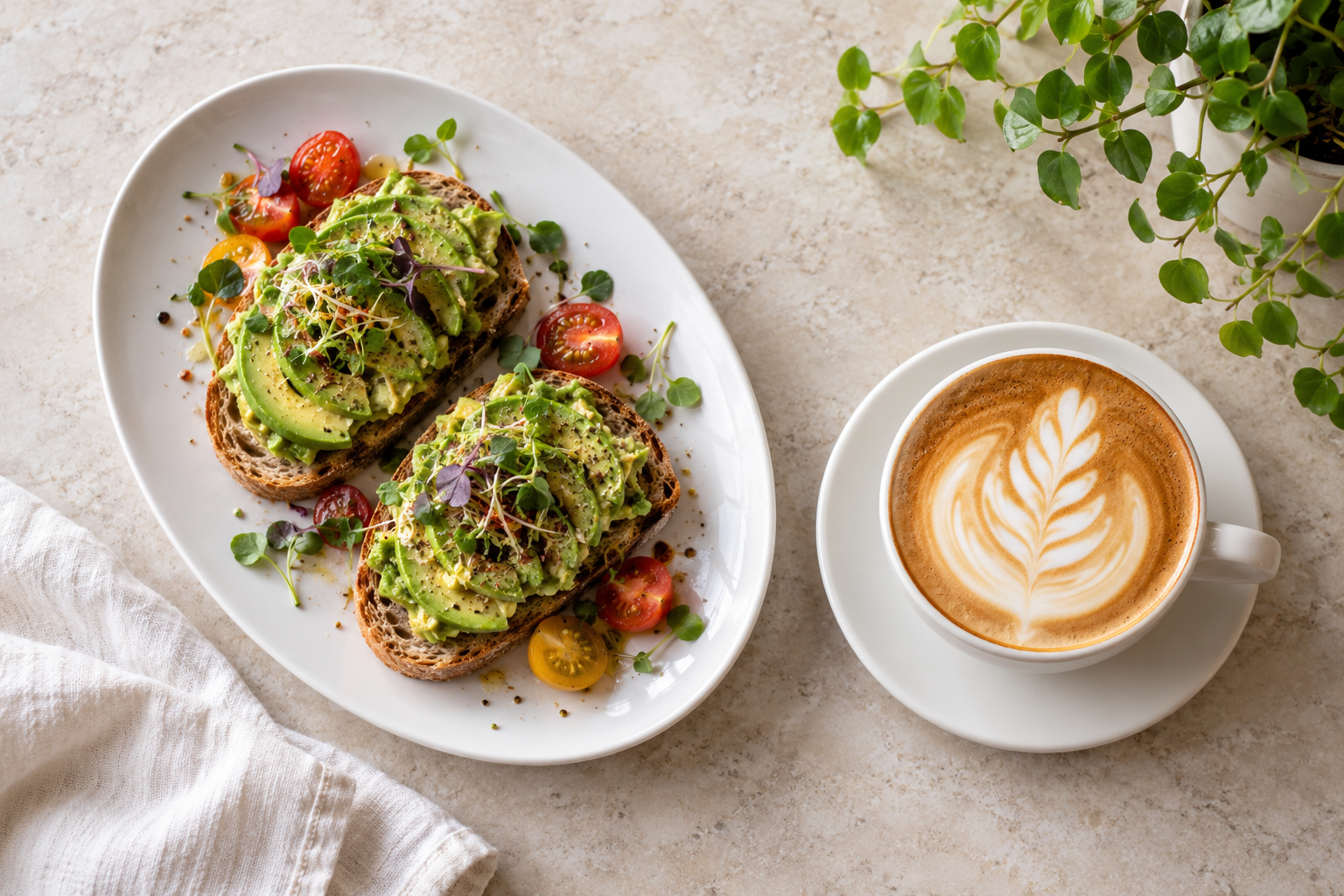
Your menu, on every table.
Orders and bookings, straight from it.

Build a digital menu in minutes, design it in your own brand, and let guests order from their table or book one for Friday.
All from one simple workspace.

Create a menu

Start from one of 15 templates, add your dishes and prices, and watch the phone preview change as you type.

Start a menu From $6 a month · free to try for now

Design it your way

Open the Menu Designer: your logo, colours, fonts, dish photos and layout, on a canvas that shows exactly what guests get.

See the designer Included in Menu Pro and Agency
Menu Designer
Free to explore No app for your guests No commission on orders
1

Start from a template

Fifteen menus for cafés, bistros, bars, hotels and spas. Replace our dishes with yours; prices and allergens come along.

2

Make it look like your place

Pick a theme, or open the Menu Designer on Pro and set your logo, colours, fonts, photos and layout on a canvas.

3

Put it on the table

Publish, print the code, and take orders and bookings from the menu itself. Edit next week; the code never changes.

Your brand, not a template.
Designed on a canvas.

The Menu Designer on Pro: click anything on the menu and change it. Logo, colours, fonts, photos and layout, with the result in front of you.

Open the Menu Designer
Canvas · Phone 390

Brand colour

Heading font

Section headings

Dishes

Logo

Every change shows on the canvas at once. Undo is one key away.On Menu Pro

Take the order.
Save them a table.

Ordering and reservations happen on the menu itself, and land in your workspace.

Table ordering

Every table gets its own code. Guests pick dishes on the menu and send them; the order lands on your board with the table number, a chime and a toast. Follow it from new to preparing to served. No app, no commission.

How table ordering works Try it in the app
Table 04 · #0128Interactive example
1New2Preparing3Served

2× Avocado toast$24.00

2× Flat white$8.40

Total$32.40

Ready for the kitchen

Reservations

Included from Menu Starter. Guests tap Book a table on your menu, pick a day, a time and a party size, and get a confirmation on screen. You see every booking next to the ones you took by phone, assign tables and mark arrivals.

How reservations work Try it in the app
Evening reservationsInteractive example
Alex Morgan2 guests · Table 04
Booked
Jamie Chen4 guests · Table 02
Booked
Alex’s party is next to arrive

Try both in the dashboard. Orders and bookings travel between the devices signed in to the same account; ordering and booking from guests' own phones is not connected yet. These examples use sample data.

From spa days
to overnight stays.

A few ways to make every guest feel looked after.

Browse all templates

Spa treatments, clearly explained.

Place a code at reception so guests can browse treatments, compare durations, and find their next moment of relaxation.

  • Massage & facial menus
  • Clear prices and treatment times
Explore the spa exampleUse this template
Example guest menuLinden Spa · Illustrative example

Hotel room service, within easy reach.

A code by the bedside can open your dining menu, breakfast hours, and Wi-Fi details. Everything guests need, without another app.

  • In-room dining & breakfast
  • Guest Wi-Fi and useful details
Explore the hotel exampleUse this template
Example guest menuHotel Alder · Illustrative example

Less menu admin.
More time for your people.

Change a price, mark a dish sold out, or refresh the whole menu from your phone. Your draft stays separate from the published version, so you can get it right before guests see it.

Create a workspace
DraftMake your changes

Dishes, prices, design.
Saved as you go.

PublishedShare when ready

A separate version.
Always your decision.

Your menus are saved to your account, so they are there on any device.

A few good questions.

Is there a free plan?

Yes, for looking around: browse every template, try the ordering and booking demos, and make unlimited static QR codes. Saving and publishing a menu of your own starts with Menu Starter at $6 a month. Paid plans are not on sale yet, so every workspace is on Menu Pro for now, free.

What is the Menu Designer?

A canvas where you click any part of your menu and change it: logo, cover photo, colours, fonts, dish photos, section and price styles, spacing and layout. It shows exactly what guests see. It is included in Menu Pro and Agency.

Do my guests need an app?

No. The menu is a mobile web page. A guest scans the code with the phone camera, reads the menu, and on Pro orders from it. Bookings work the same way from Menu Starter.

Can I change my menu after publishing?

Yes. Edit your draft, preview it, and publish when it's right. Your last 20 published versions are kept, and the printed code never changes.

What works today?

Sign up with your email and a 6-digit code. Your menus, QR codes, tables, orders and bookings are saved to your account, so the dashboard works from any device. Hosted menus for guests on their own phones, short links, live guest ordering, billing and live scan counts are not connected yet.

What will your guests see tonight?

Create a menu See pricing

KiwiiMenu is free to explore. Your first menu starts here.